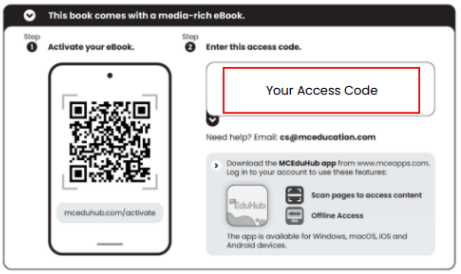
To create an MCEduHub account, you will need an access code. Please visit this LINK to obtain the appropriate access code and follow the provided steps to complete your registration.
Alternatively, here are 2 other ways you can obtain your access code:
1) Access codes printed on the inside front covers for specific titles.
2) Contact our Helpdesk for support.
Was this article helpful?
That’s Great!
Thank you for your feedback
Sorry! We couldn't be helpful
Thank you for your feedback
Feedback sent
We appreciate your effort and will try to fix the article